Point with
your phone.
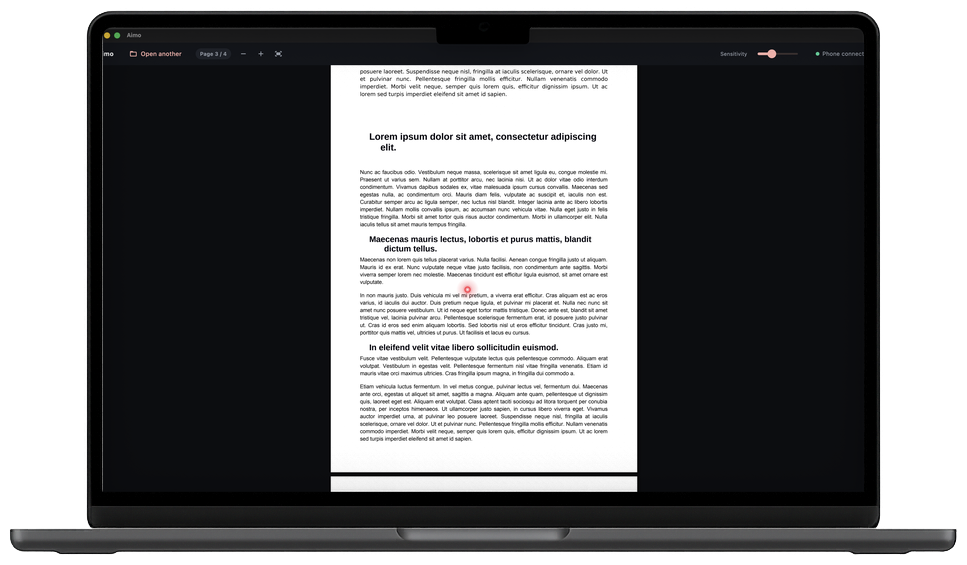
Aimo turns your phone into a wireless laser pointer for your computer. Move your hand — the dot follows. Hold to highlight. Flip your slides. All over your own Wi-Fi, nothing in the cloud.
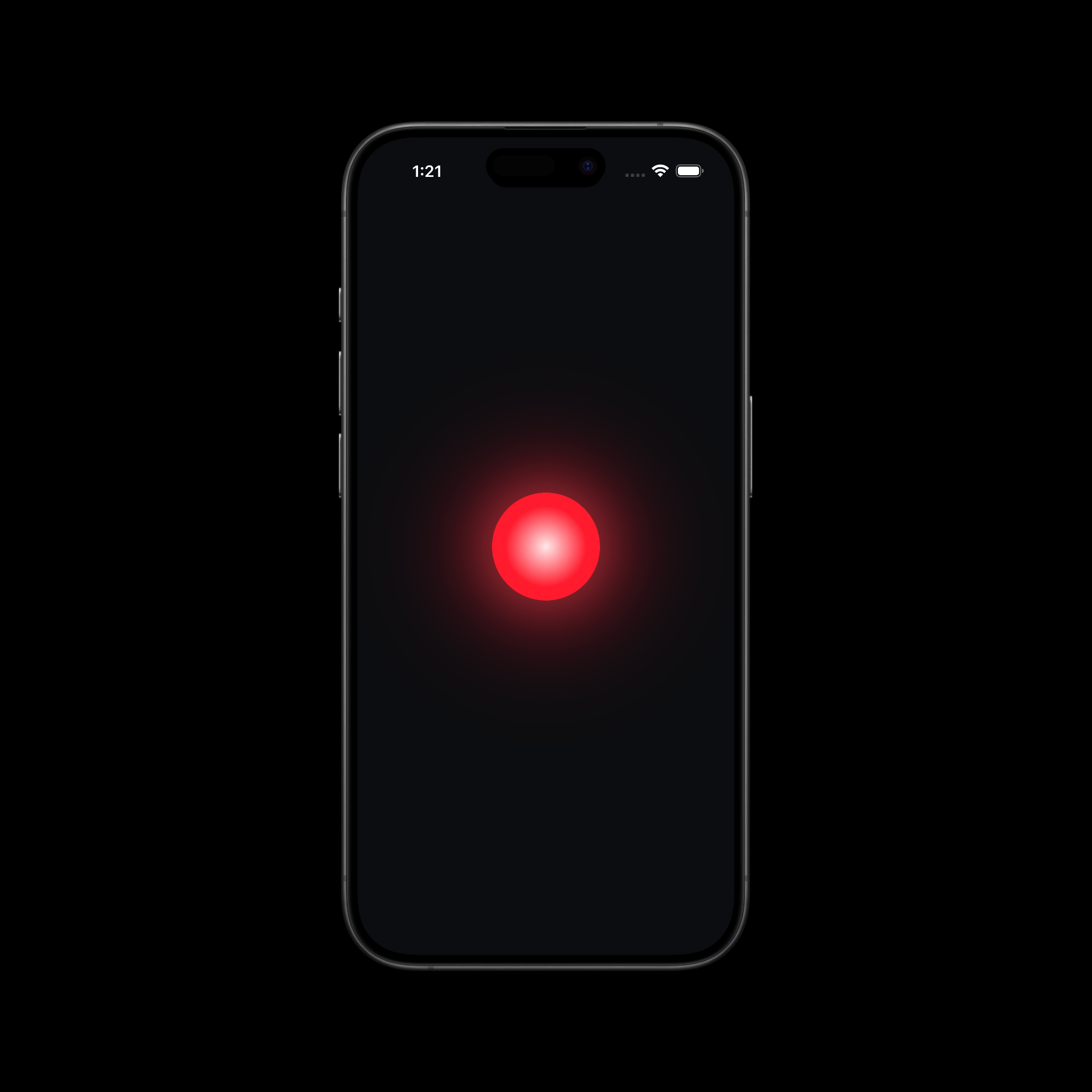
Psst — the red dot chasing your cursor? That's how the pointer feels.
How it works
Presenting in three moves
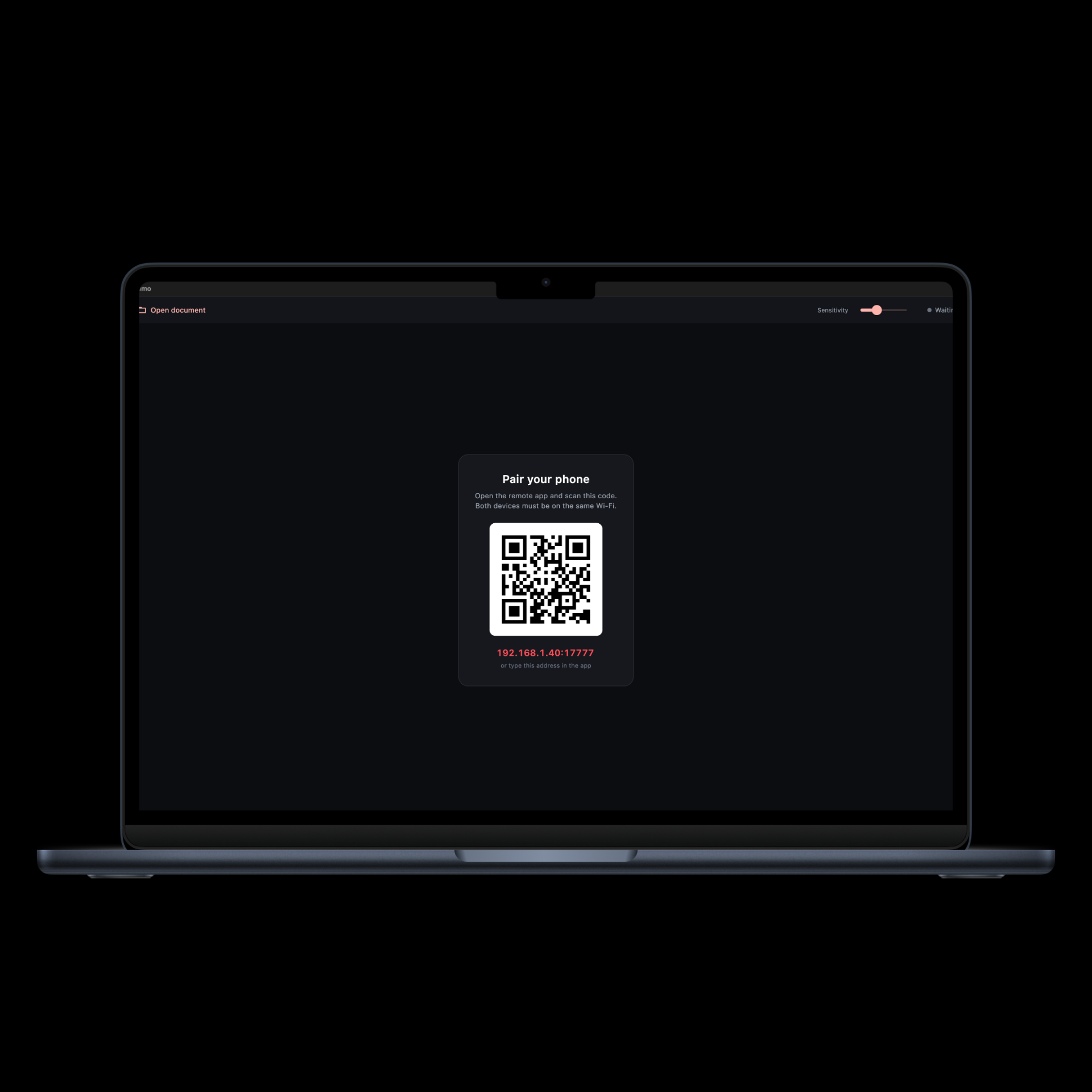
Open Aimo on your computer
Launch the free companion app on your Mac or Windows PC and open any PDF, PowerPoint, Word, or Excel file.
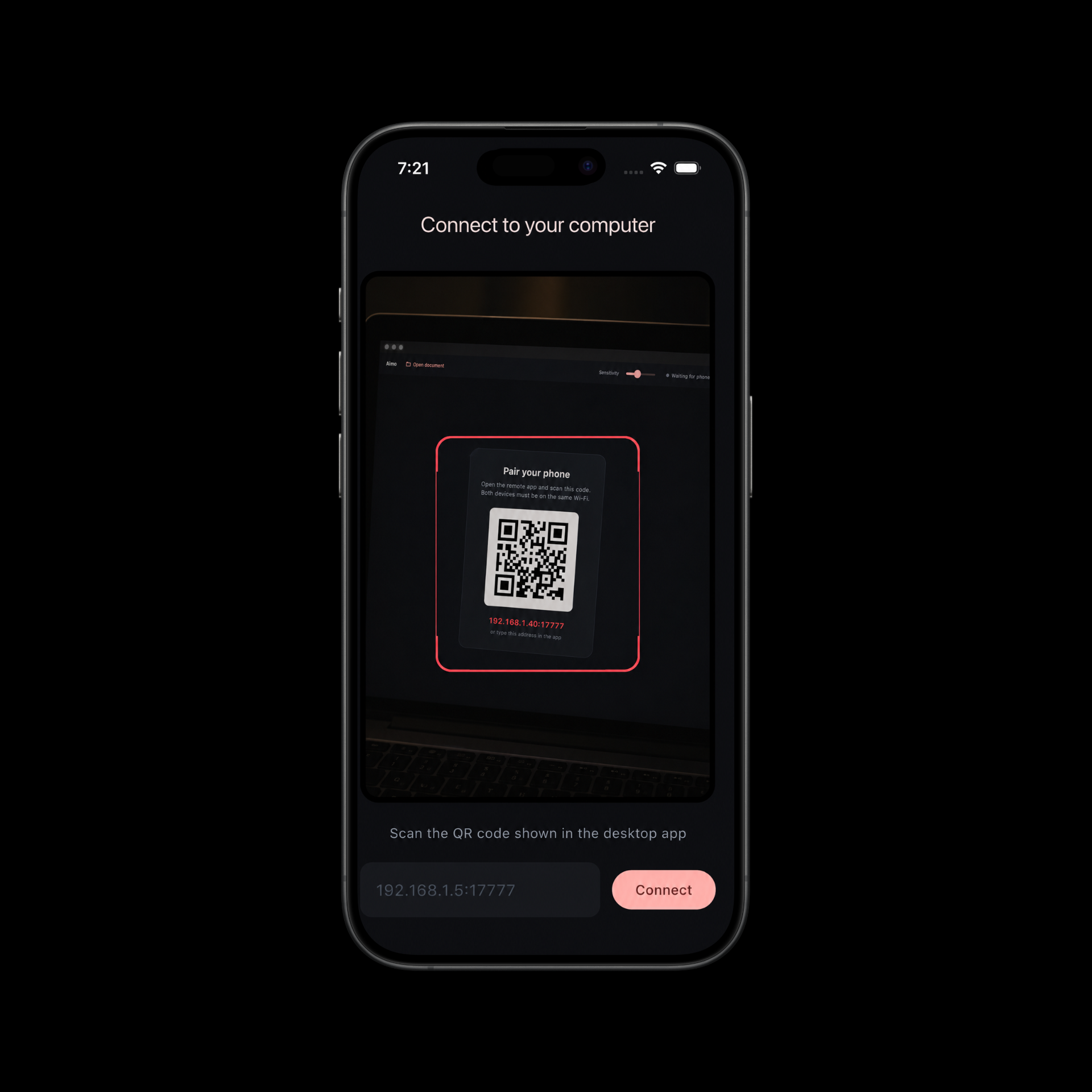
Scan the code with your phone
Aimo shows a QR code. Point your phone's camera at it once — no accounts, no passwords, no setup.
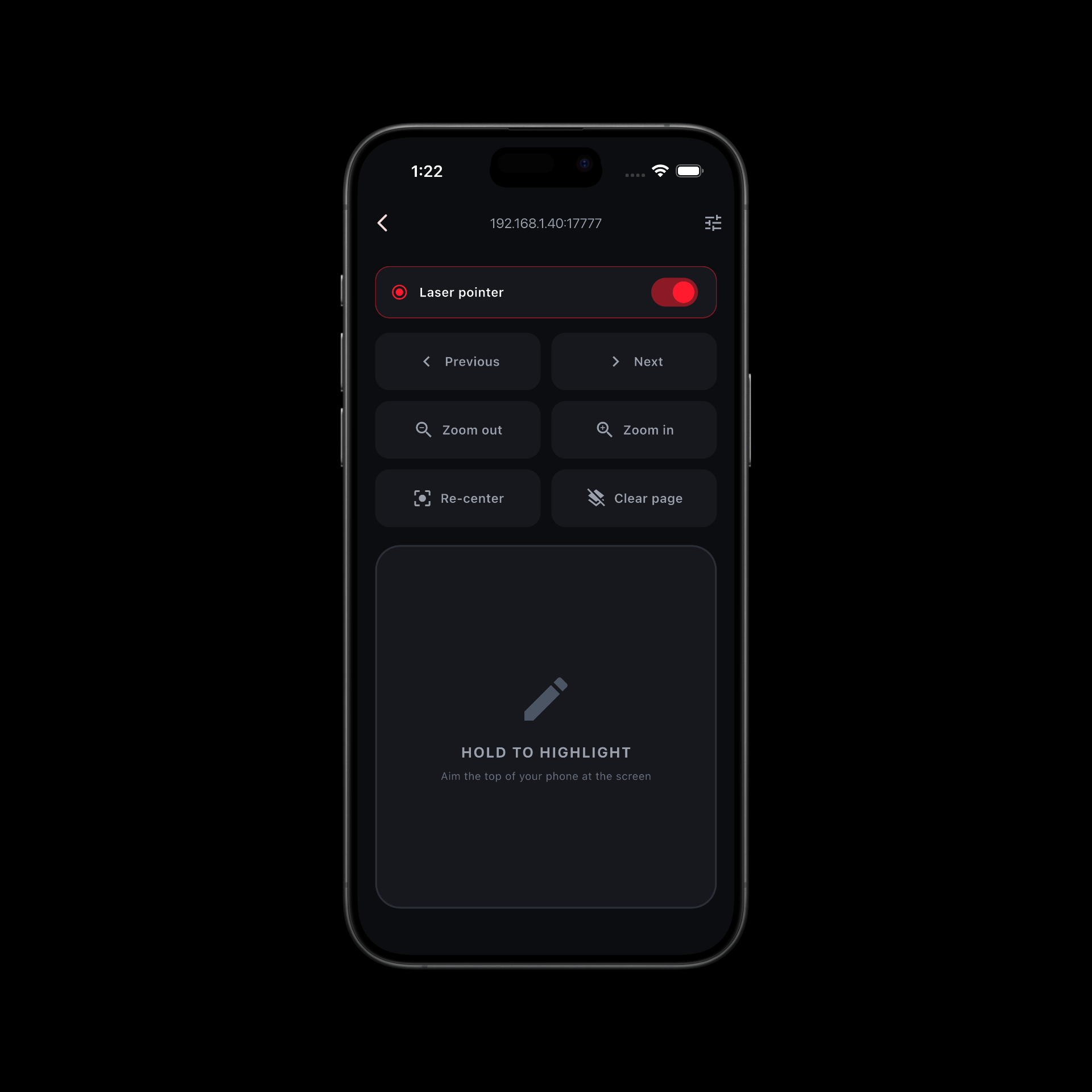
Point, highlight, present
A glowing dot follows your hand on the big screen. Hold to draw highlights, tap to change slides. That's it.
Features
Small app, serious presence
Points like a finger
Motion sensors track your hand so naturally it feels like the laser comes out of the phone — smooth, precise, instant.
Highlight as you talk
Hold the pad to draw over your slides in real time. Circle a number, underline a sentence. Marks stay per page, clear with a tap.
On your wrist, too
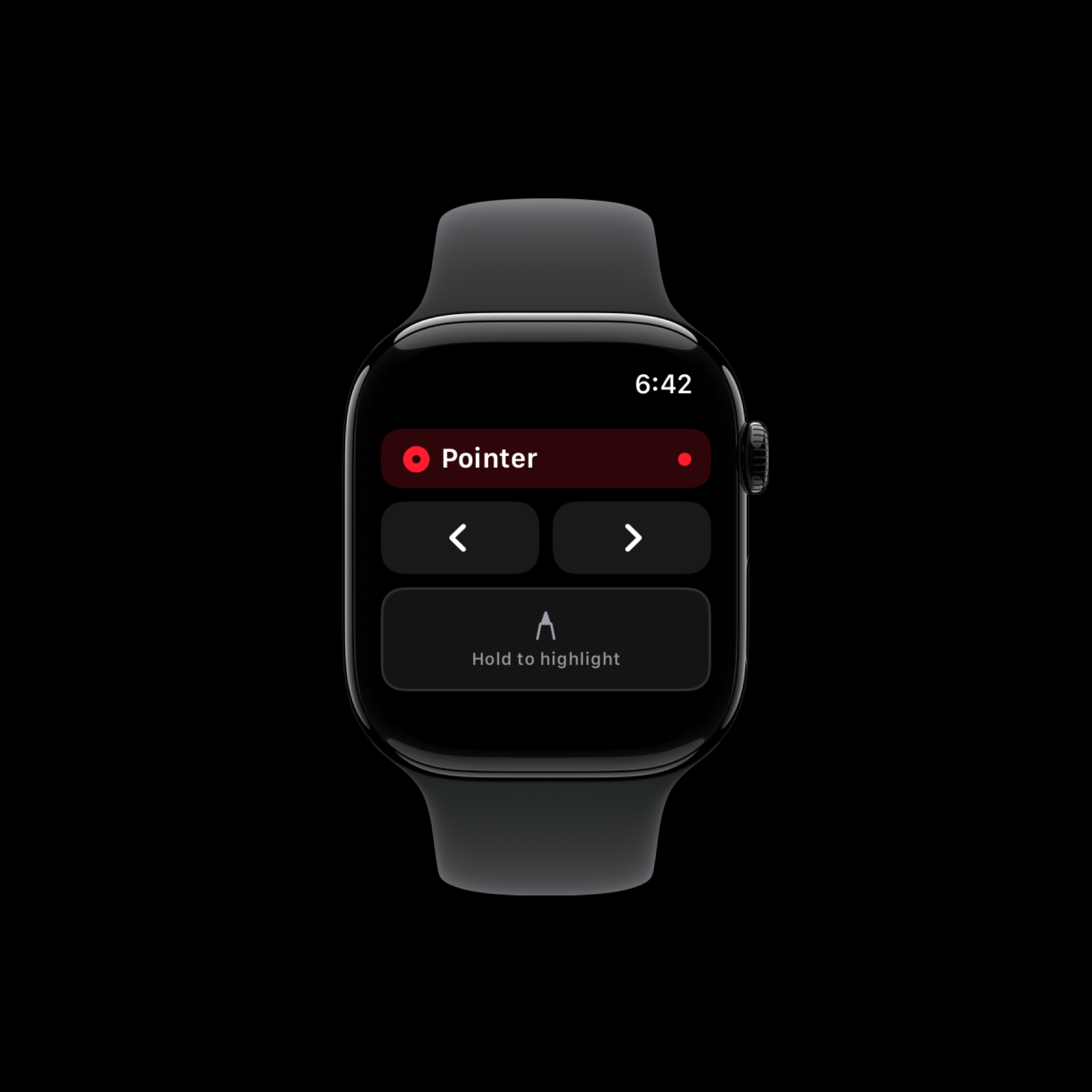
The Apple Watch app puts the pointer, highlighter, and slide controls on your wrist. Leave the phone in your pocket.
Private by design
Everything happens on your local Wi-Fi. No cloud, no servers, no accounts, no analytics. Your documents never leave your computer.
Demo
See it move
In the hand
Every screen, one red dot
Download
Get Aimo — free
The phone app pairs with the free desktop companion. Grab both, scan once, present forever.
Presenting PowerPoint, Word, or Excel files? Also install the free LibreOffice on your computer — Aimo uses it to display Office formats. PDFs work out of the box.
Windows says "unrecognized app"? Click More info → Run anyway — the app is unsigned in this early release.